
EUROPEESIM.com EUROPEESIM.com
  • Regionwide Plans
    • eSIM Europe Fixed Data & Calls
    • eSIM Europe Unlimited Data
    • eSIM Europe Fixed Data
  • Multi-Country Plans
    • eSIM UK&France Unlimited
    • eSIM Spain-France-Italy Unlimited
    • eSIM Europe Iberian Peninsula Unlimited
    • eSIM Europe Scandinavia Unlimited
    • eSIM Global Unlimited
  • Country Plans
    • eSIM Germany
    • eSIM Italy
    • eSIM Greece
    • eSIM United Kingdom
    • eSIM France
    • eSIM Austria
    • eSIM Belgium
    • eSIM Netherlands
    • eSIM Poland
    • eSIM Portugal
    • eSIM Spain
    • eSIM Switzerland
    • eSIM Finland
    • eSIM Iceland
    • eSIM Ireland
    • eSIM Luxembourg
    • eSIM Malta
    • eSIM Norway
    • eSIM Sweden
    • eSIM Bulgaria
    • eSIM Croatia
    • eSIM Denmark
    • eSIM Czech Republic
    • eSIM Hungary
    • eSIM Russia
    • eSIM Slovakia
  • Resources
    • eSIM Compatible Phones
    • eSIM Activation Guide
  • FAQ
  • Contact
  • Blog
0

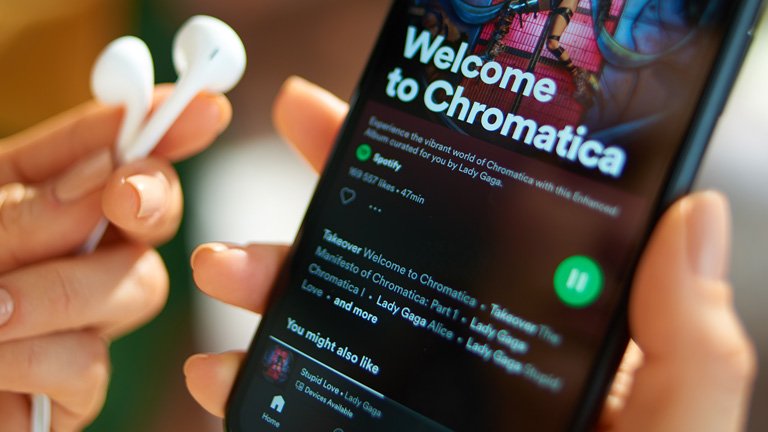
A woman holding a phone with Spotify on and wondering how much data does Spotify use?
March 16, 2023 - eSIM

How much data does Spotify use?

Maximize Spotify with minimal data. Tips to reduce usage, offline music, and selecting the right data plan. Explore your music efficiently by learning how much data does Spotify use.
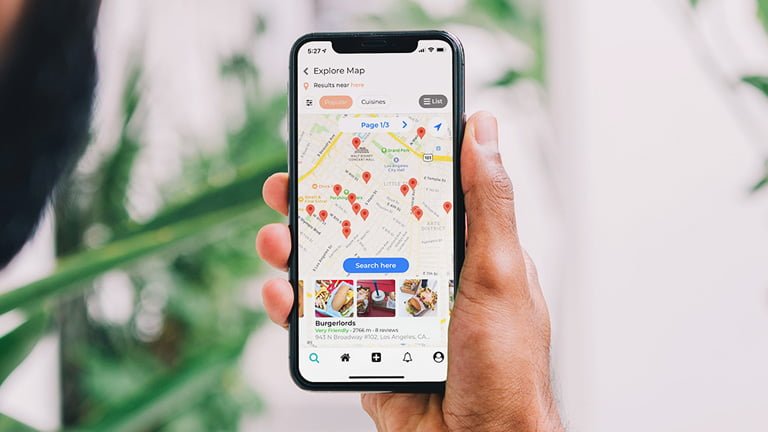
A hand holding iPhone to figure out how much data does Google Maps use
March 10, 2023 - eSIM

How much data does Google Maps use?

Wondering how much data does google maps use? Maximize Google Maps with minimal data. Tips to reduce usage, offline maps, and selecting the right data plan. Explore your world efficiently.
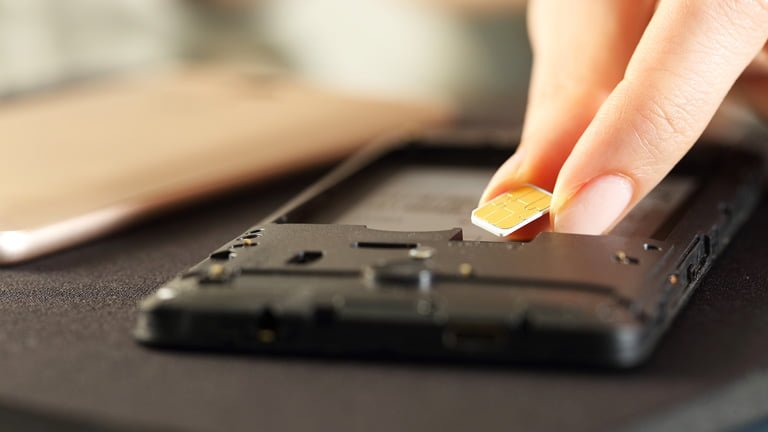
A hand putting SIM cards and wondering if I put my SIM card in another phone what will happen
February 28, 2023 - eSIM

If I put my SIM card in another phone, what will happen next?

Are you worried that if I put my SIM card in another phone what will happen? Learn what information is stored in SIM cards and what will happen after switching SIM cards.
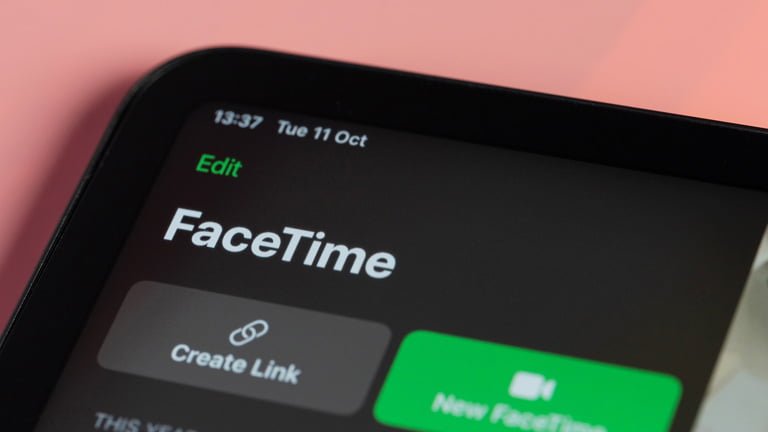
iOS device showing FaceTime and how to use FaceTime internationally
February 27, 2023 - eSIM

Is FaceTime free internationally? How to use FaceTime free

Is FaceTime free internationally? Yes! Read more to learn about using FaceTime internationally with WiFi and cellular data and make sure about details using FaceTime with your iOS device.

An old couple traveling Europe searching for how much do I need by their smartphone
February 26, 2023 - eSIM

How much data do I need for travel in Europe?

Do you want to know how much data do I need for traveling abroad? Learn more about what MB and GB is, how to check data usages, and how much data you use for Netflix, Youtube and Spotify.

A woman finding best ways to using iphone internationally while she is traveling abroad
February 25, 2023 - eSIM

Best tips for using iPhone internationally

Are you looking for the best way to use your phone abroad? Check out the complete list of tips about using iphone internationally for your perfect holiday.

A female traveler using Europe SIM card with her phone on the tower bridge in England
February 22, 2023 - eSIM

Best Europe SIM card for travelers in 2023

Are you wondering which eSIM is best for EU travel in 2023? Check out the details about the best Europe SIM card recommendation for your holiday in Europe.

A female traveler holding phone and trying to be connected in best eSIM carrier in Europe
February 21, 2023 - eSIM

Complete list of best eSIM carriers in Europe

Are you wondering which of the best eSIM carriers will be connected while using eSIM in Europe? Check out the complete list of eSIM Europe supporting network carriers in Europe.
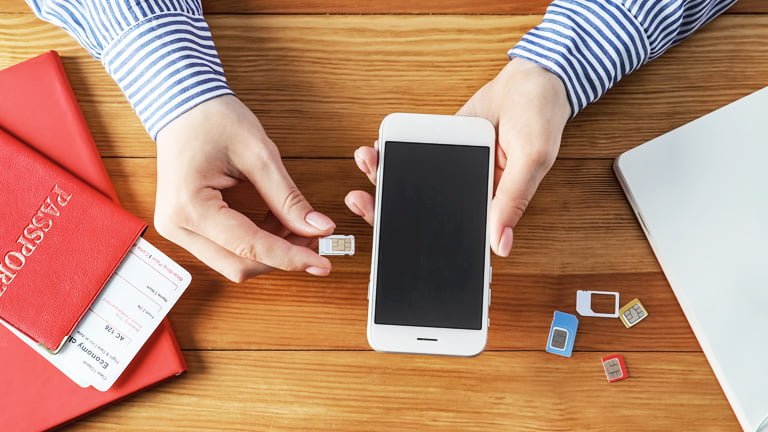
A hand holding iPhone and trying to figure out how to switch SIM cards on iPhones
February 19, 2023 - eSIM

How to switch SIM cards on iPhone

Interested in how to switch SIM cards on iPhone? Here is a complete list of what you should check and how to switch SIM cards while using iPhone.

A female traveler using phone and figuring out what is data roaming
February 18, 2023 - eSIM

What is data roaming? How to avoid international roaming charges?

Are you planning on traveling abroad and wondering what is data roaming? Here is a detailed guide about how to turn on and off data roaming and alternatives.

Posts pagination

← Prev 1 2 3 Next →
About EUROPEESIM.com
About us
Affiliate Program
Jobs
Blog
Customer Support
FAQ
Refund Policy
Contact us
Legal Information
Privacy Policy
Terms and Conditions
Explore with ESIMWORLD.net
ESIMAUSTRALIA.com ESIMCHINA.net
ESIMDUBAI.net ESIMFRANCE.com
HONGKONGESIM.com ESIMINDONESIA.com
ESIMITALY.com ESIMJAPAN.com
ESIMKOREA.net ESIMMALAYSIA.net
ESIMPHILIPPINES.com ESIMSINGAPORE.net
ESIMTAIWAN.com ESIMTHAILAND.com
ESIMUK.net ESIMUSA.com
ESIMVIETNAM.net

© 2026 ESIMWORLD.net. All rights reserved.

Menu
  • Regionwide Plans
    • eSIM Europe Fixed Data & Calls
    • eSIM Europe Unlimited Data
    • eSIM Europe Fixed Data
  • Multi-Country Plans
    • eSIM UK&France Unlimited
    • eSIM Spain-France-Italy Unlimited
    • eSIM Europe Iberian Peninsula Unlimited
    • eSIM Europe Scandinavia Unlimited
    • eSIM Global Unlimited
  • Country Plans
    • eSIM Germany
    • eSIM Italy
    • eSIM Greece
    • eSIM United Kingdom
    • eSIM France
    • eSIM Austria
    • eSIM Belgium
    • eSIM Netherlands
    • eSIM Poland
    • eSIM Portugal
    • eSIM Spain
    • eSIM Switzerland
    • eSIM Finland
    • eSIM Iceland
    • eSIM Ireland
    • eSIM Luxembourg
    • eSIM Malta
    • eSIM Norway
    • eSIM Sweden
    • eSIM Bulgaria
    • eSIM Croatia
    • eSIM Denmark
    • eSIM Czech Republic
    • eSIM Hungary
    • eSIM Russia
    • eSIM Slovakia
  • Resources
    • eSIM Compatible Phones
    • eSIM Activation Guide
  • FAQ
  • Contact
  • Blog
Shopping Bag

To activate an eSIM,
your device must be both

eSIM-compatible

Check the list below to see if your device supports eSIM.
If your device is not listed, please contact us.

Check the list below to see if your device supports eSIM. If your device is not listed, please contact us.

Apple

✓ Compatible device

iPhone Air
iPhone 17, 17 Pro, 17 Pro Max
iPhone 16, 16 Plus, 16 Pro, 16 Pro Max
iPhone 15, 15 Plus, 15 Pro, 15 Pro Max
iPhone 14, 14 Plus, 14 Pro, 14 Pro Max
iPhone SE3 (2022)
iPhone 13, 13 Pro, 13 Pro Max, 13 Mini
iPhone 12, 12 Pro, 12 Pro Max, 12 Mini
iPhone 11, 11 Pro, 11 Pro Max
iPhone SE2 (2020)
iPhone XR, iPhone XS, XS Max
(Recommended iOS version: iOS 13.3 or later)

! Incompatible Device

iPhone purchased from mainland China
iPhone purchased from Hong Kong and Macao (except for iPhone 13 mini, iPhone 12 mini, iPhone SE 2020, and iPhone XS)

Samsung

✓ Compatible device

Galaxy S25 5G, S25 Ultra 5G, S25+ 5G
Galaxy S24 5G, S24 Ultra 5G, S24+ 5G, S24 FE
Galaxy S23 5G, S23 Ultra 5G, S23+ 5G
Galaxy S22 5G, S22 Ultra 5G, S22+ 5G
Galaxy S21 5G, S21 Ultra 5G, S21+ 5G
Galaxy S20, S20+, S20 Ultra 5G
Galaxy Note 20, Note 20 Ultra, Note 20 Ultra 5G
Galaxy Note 20+, Note 20 FE, Note 20 FE 5G
Galaxy Fold, Z Fold 2, Z Fold 3, Z Fold 4 5G, Z Fold 5, Z Fold 6, Z Fold 7
Galaxy Z Flip, Z Flip 3 5G, Z Flip 4 5G, Z Flip 5, Z Flip 6, Z Flip 7
Galaxy A23 5G, A35 5G, A54 5G, A55 5G

! Incompatible Device

All Samsung S20 FE/S21 FE models
S20/S21 and Galaxy Z Flip 5G from USA
Note 20 Ultra and Galaxy Z Fold 2 from USA and Hong Kong

Google

✓ Compatible device

Pixel 9, 9Pro, 9Pro XL
Pixel 8, 8Pro
Pixel 7, 7Pro
Pixel 6, 6a, 6Pro
Pixel 5, 5a
Pixel 4, 4a, 4XL
Pixel 3, 3XL
Pixel 3a, 3aXL

! Incompatible Device

Pixel 3 models manufactured from Australia, Taiwan, and Japan
Pixel 3 models bought from US or Canadian carriers other than Sprint and Google Fi
Pixel 3a models bought in South East Asia and with Verizon service

Carrier unlocked

Check the instructions below to see if your phone is unlocked.
If locked, your local carrier can assist with unlocking it.

Check the instructions below to see if your phone is unlocked. If locked, your local carrier can assist with unlocking it.

Apple

1. Go to [Settings] > [General] > [About] on your device.
2. Look for “Network Provider Lock – No SIM restrictions”:
◦ If you see this, your phone is unlocked.
◦ If not, your phone is locked.

Samsung

1. Go to [Settings] > [Connections] > [Mobile networks] on your device.
2. Select [Network operators]:
◦ If multiple networks appear, your phone is likely unlocked.
◦ If only one network appears or you cannot find the option to search networks, your phone is likely locked to the carrier.

Google

1. Go to [Settings] > [Network and Internet] > [Internet] on your device.
2. Select your SIM > [Automatically Select Network]:
◦ If multiple networks appear, your phone is likely unlocked.
◦ If only one network appears or you cannot find the option to search networks, your phone is likely locked to the carrier.

If you have any questions or concerns, please contact us at [email protected].

Contact us